

Table Editor
The table editor is the main area for managing all data. At the top, users can change the project icon (for MVP, there is only one icon) and the table title. Users can switch to table view by selecting the Done button.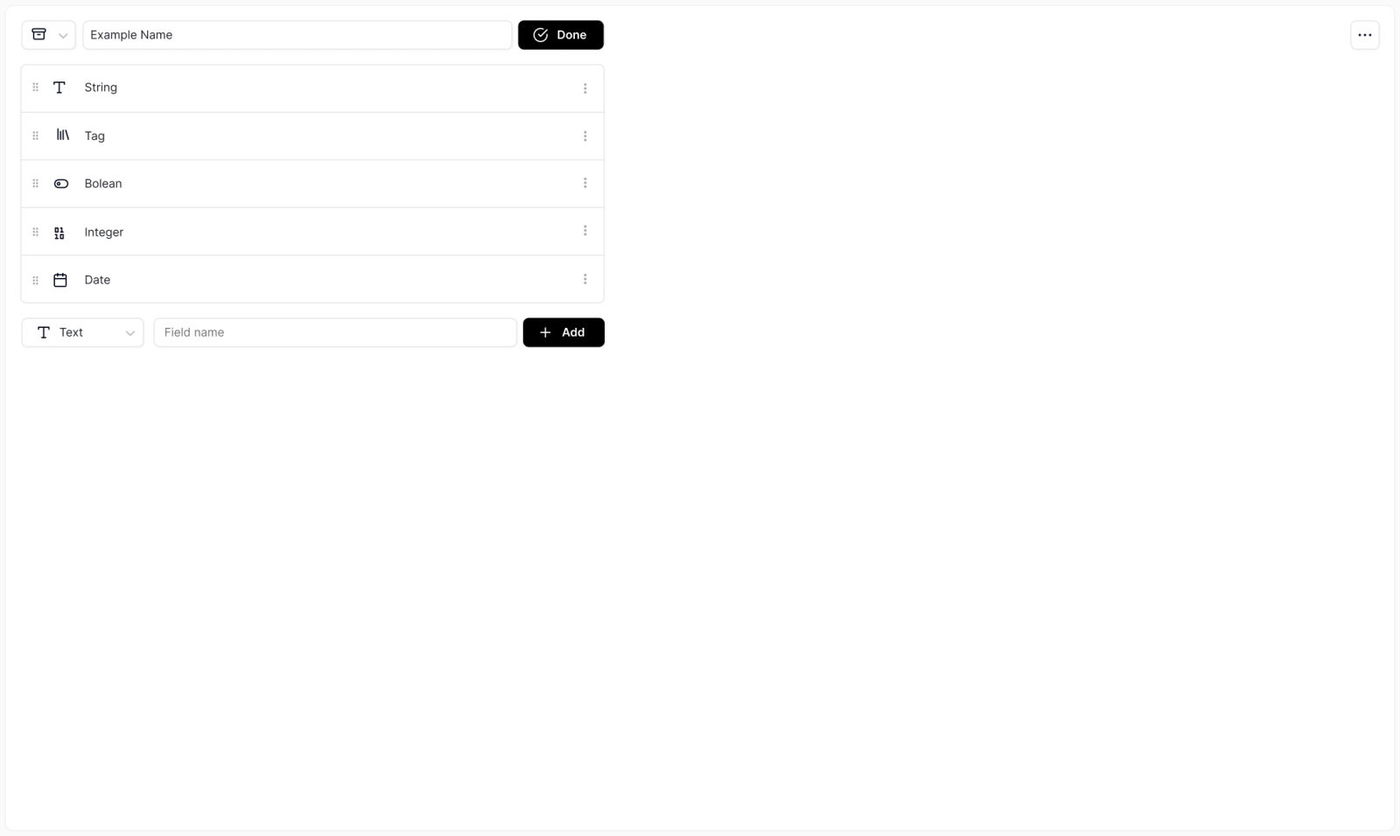
Thereexistonly only this fields:
1. String
2. Integer
3. String dropdown *single choice
4. Boolean
5. Integer (Date) 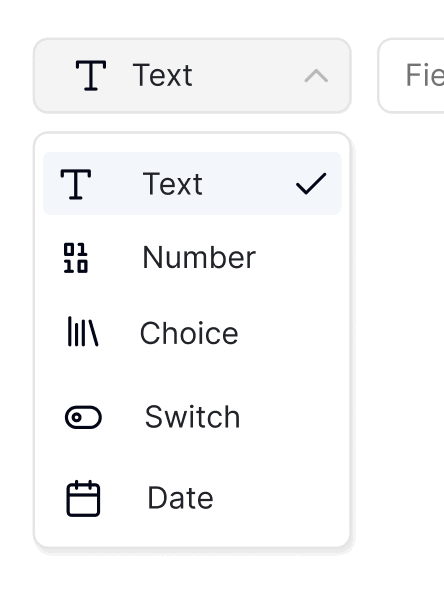
Default value is always a string, the user can choice another field type bz selecting the dropdown box.
Once the user select the ADD button it get added. Field elements can be opened like a regular record, user can delete this field by selecting the remove icon or simply close it
